


2 Factor Authentication (2FA)
Protecting Your Online Accounts: A Simple Guide to Two-Factor Authentication
In today’s digital world, keeping your personal information secure is more important than ever. Passwords alone are no longer enough to protect your online accounts from hackers and unauthorized access. That’s where Two-Factor Authentication (2FA) comes in.
At Volcano Communications Group, we believe in giving you the tools and knowledge to stay safe online. This guide explains what 2FA is, how it works, and why you should be using it to protect your personal information.
What is Two-Factor Authentication?
Two-Factor Authentication adds an extra layer of security to your online accounts by requiring not just a password, but a second step to verify your identity. Think of it like adding a deadbolt to your front door; even if someone has a copy of the key (your password), they can’t get in without the second lock.
Typically, this second factor is something you:
- Know (a password or PIN),
- Have (a smartphone or hardware token),
- or Are (a fingerprint or facial recognition).
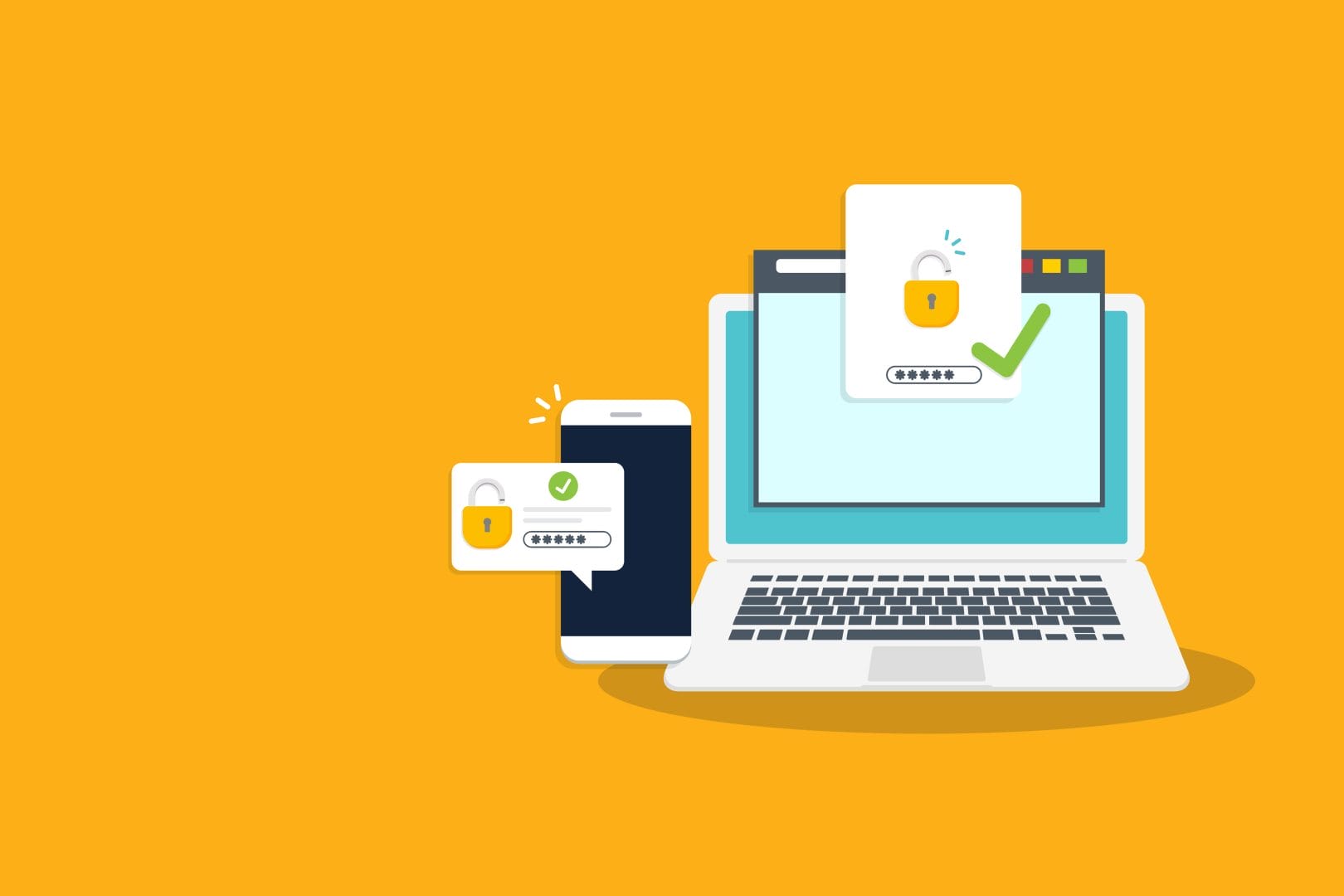
By combining two of these factors, 2FA makes it much harder for attackers to break into your accounts.
Popular Ways to Use 2FA
There are several common methods for two-factor authentication. Here are a few you’ve likely seen or used
- Text Message (SMS) Code
After entering your password, a unique code is sent to your phone via text message. You’ll need to enter this code to log in.
- Authentication Apps
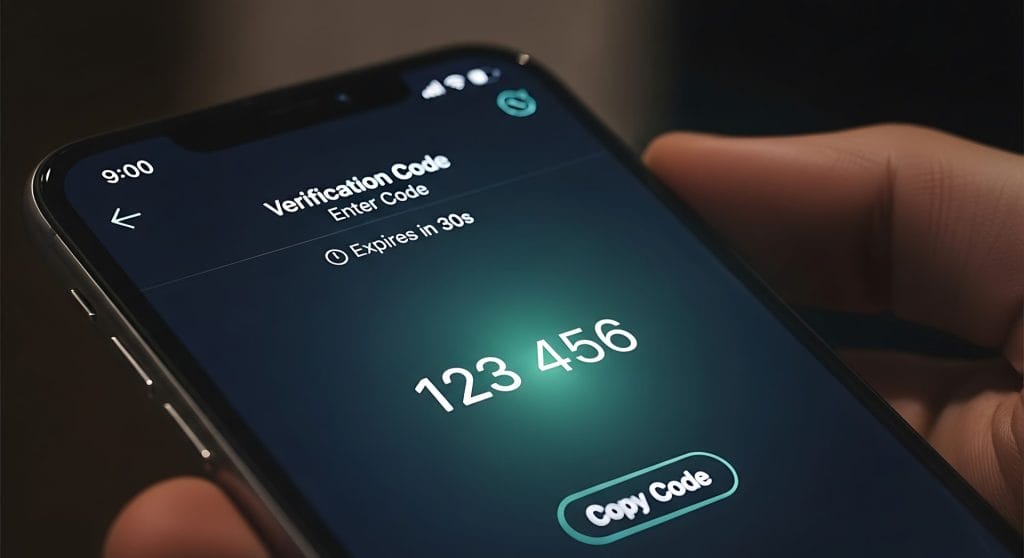
Apps like Google Authenticator, Microsoft Authenticator, or Authy generate time-sensitive codes right on your phone. This method is more secure than SMS because it doesn’t rely on your phone number.
- Push Notifications
Some services, like Duo Mobile or Apple’s built-in prompts, send a notification to your device asking you to approve the login with a single tap.
- Hardware Security Keys
Physical devices like YubiKeys plug into your computer or connect wirelessly to verify your identity. These are often used for high-security accounts.
- Biometric Verification
Using your fingerprint, face scan, or voice recognition to verify who you are. This method is common on smartphones and modern laptops.
Why you Should Enable 2FA
The truth is, passwords get compromised all the time. Data breaches, phishing scams, and password reuse are just a few of the ways bad actors can get your login details.
Two-Factor Authentication helps protect you by:
- Blocking unauthorized access, even if your password is stolen.
- Reducing your risk of identity theft.
- Protecting sensitive accounts like email, banking, and social media.
- Giving you peace of mind knowing you’ve added a strong layer of defense.
Simple Steps to Get Started
Enabling 2FA is easier than you might think. Here’s how to start:
- 1. Check your account settings on websites and apps you use (look for “Security” or “Login Settings”).
- 2. Choose a 2FA method- most services will give you several options.
- 3. Follow the setup process to link your device and complete activation.
- 4. Save your backup codes in case you lose access to your phone
We recommend starting with your most important accounts first: email, banking, cloud storage, and social media.
Stay Safe with Volcano Communications Group
At Volcano Communications Group, we’re dedicated to helping our community stay connected and protected. Whether it’s fast, reliable internet or practical cybersecurity tips, we’re here to support you.
Enabling Two-Factor Authentication is a simple step that goes a long way in safeguarding your online presence. Take a few minutes today to add that extra layer of security.